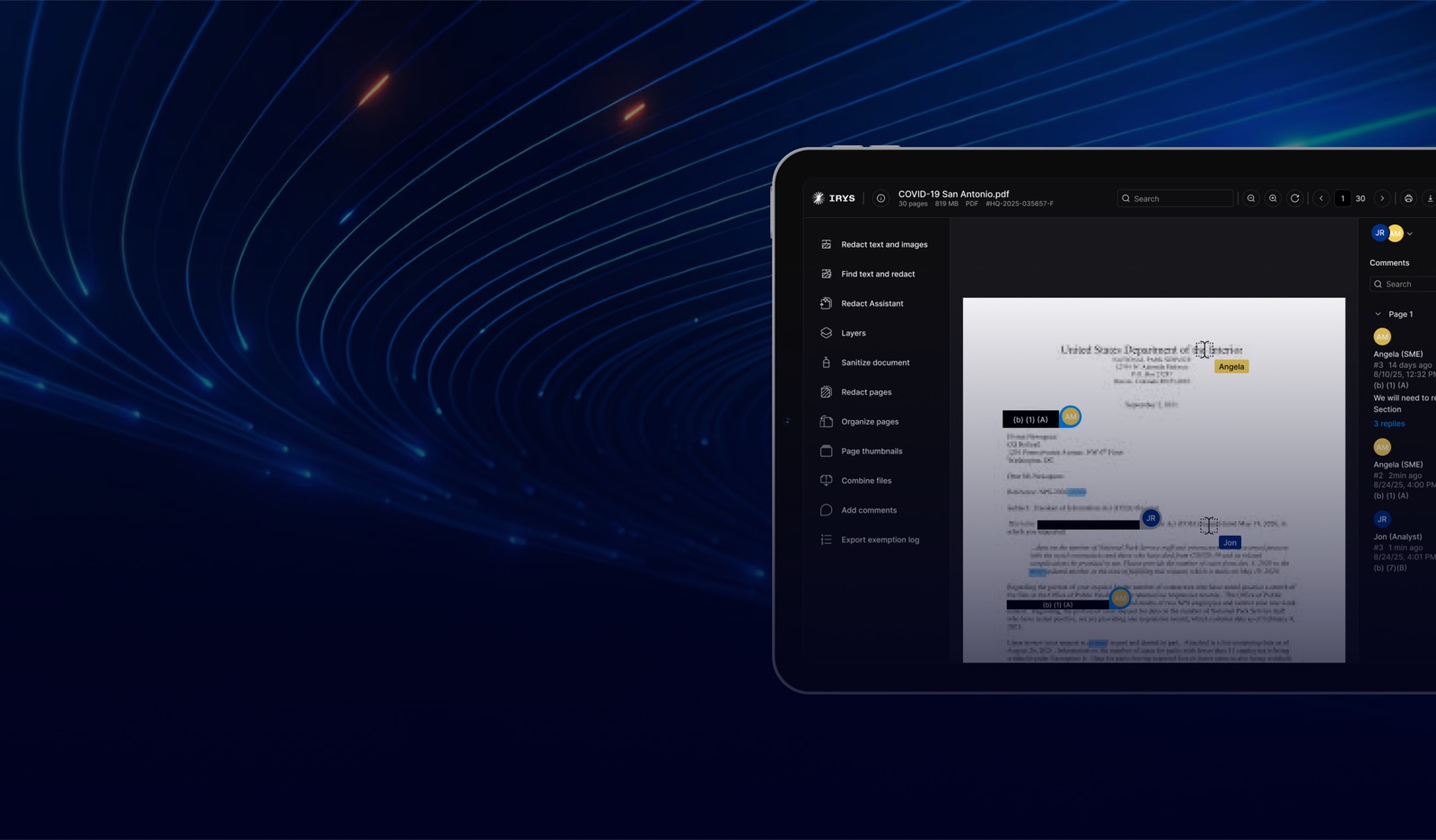

Multiplayer Redactions
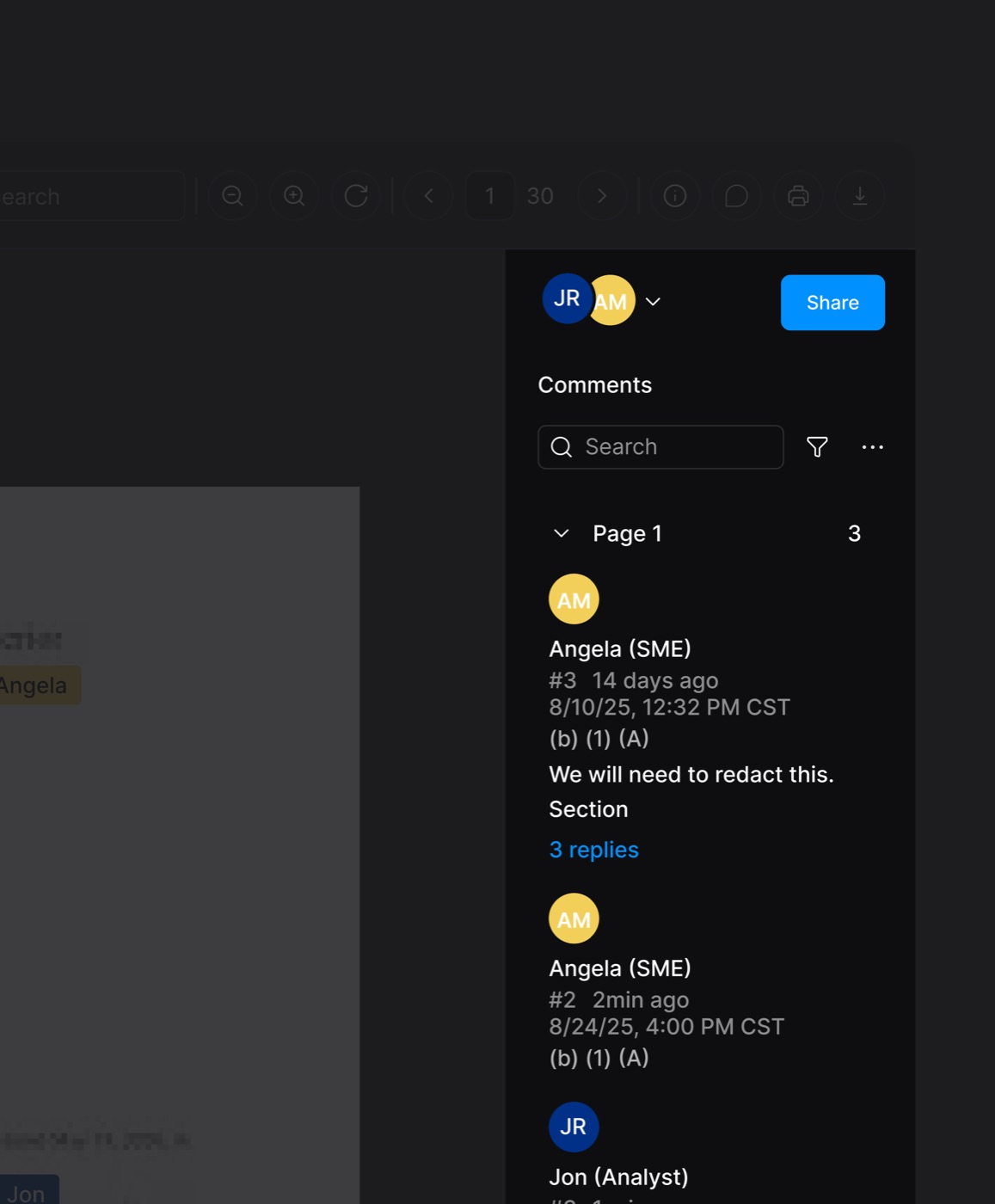
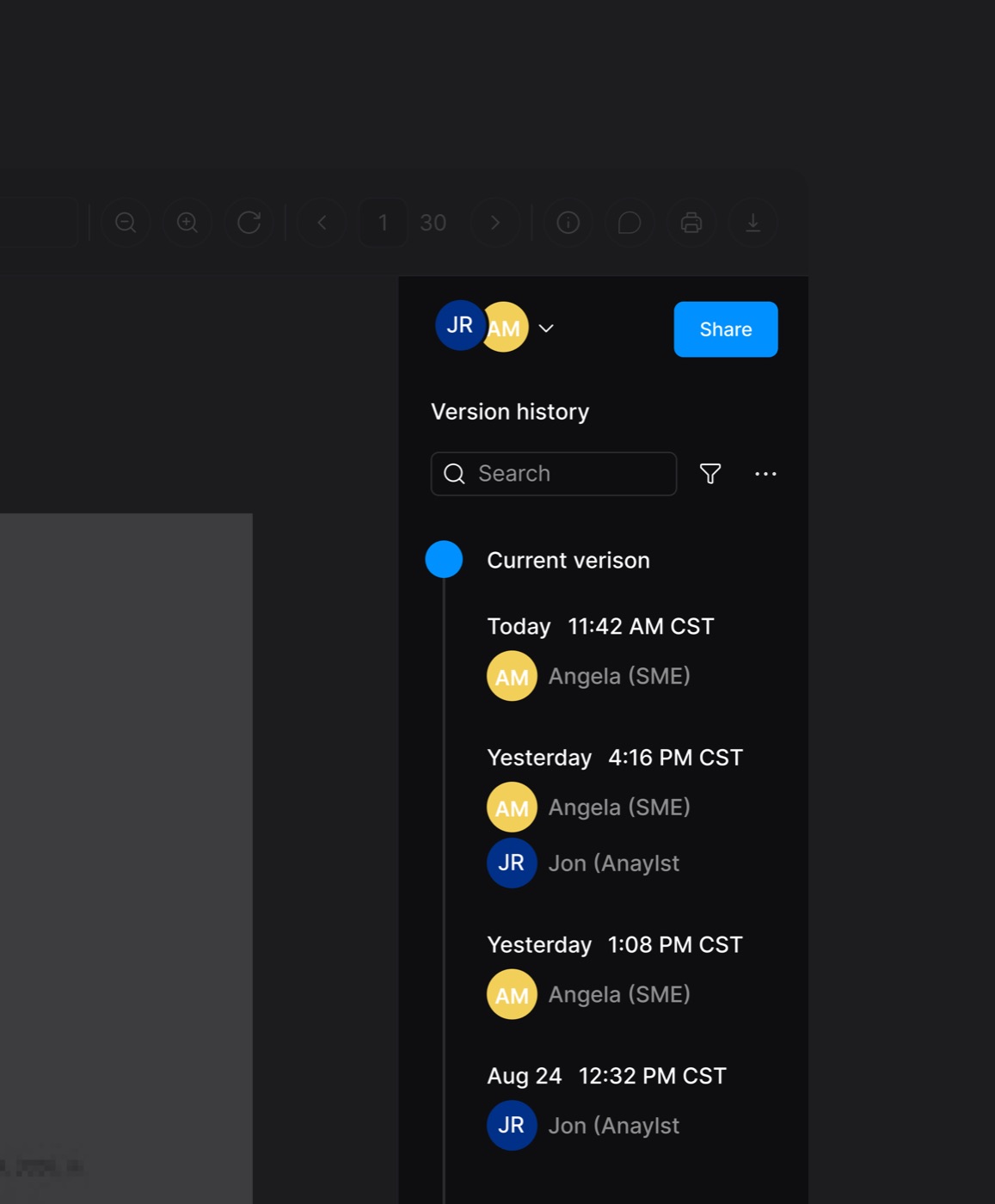
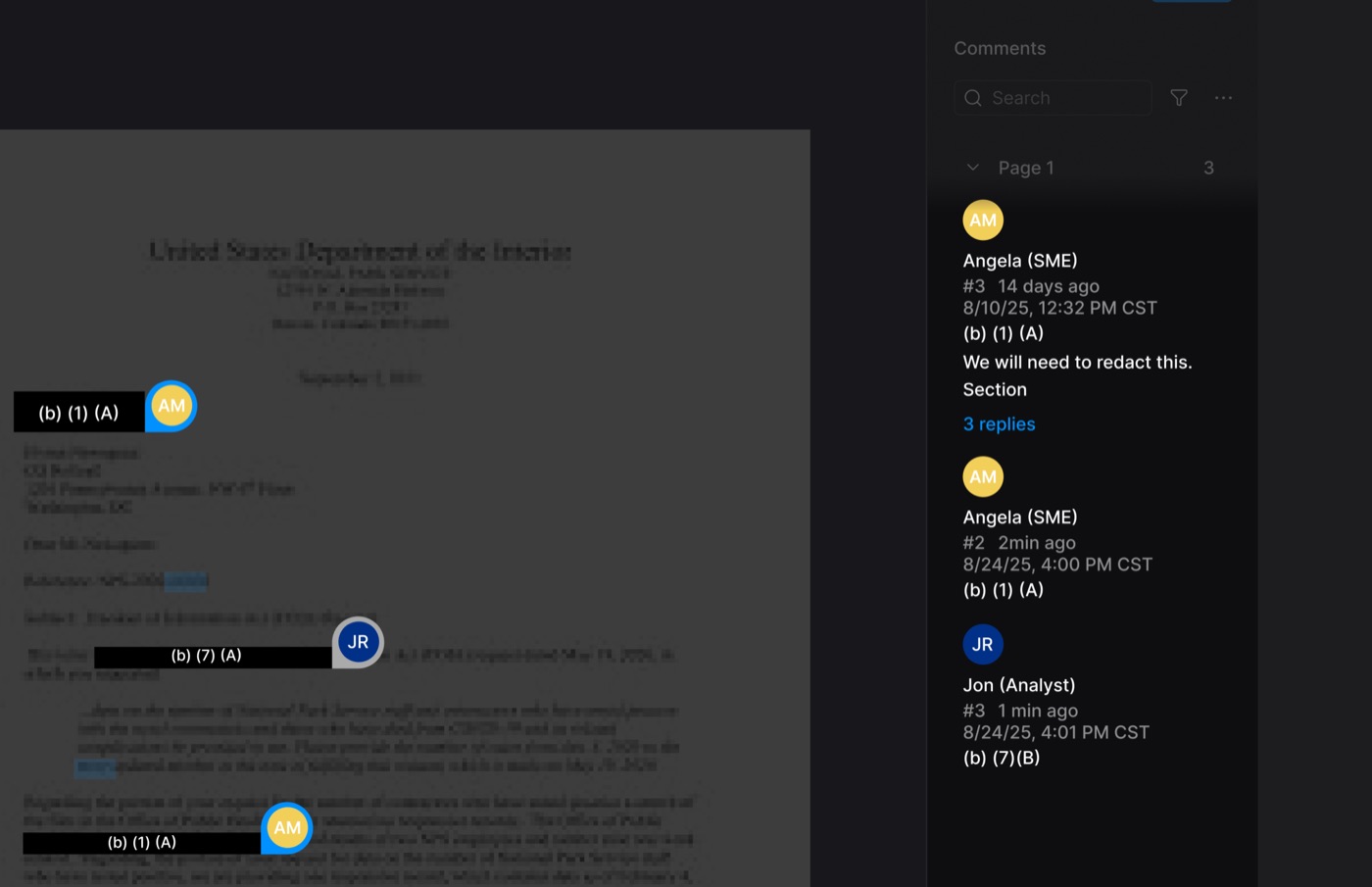
Collaborate with your team on the same document in real time.

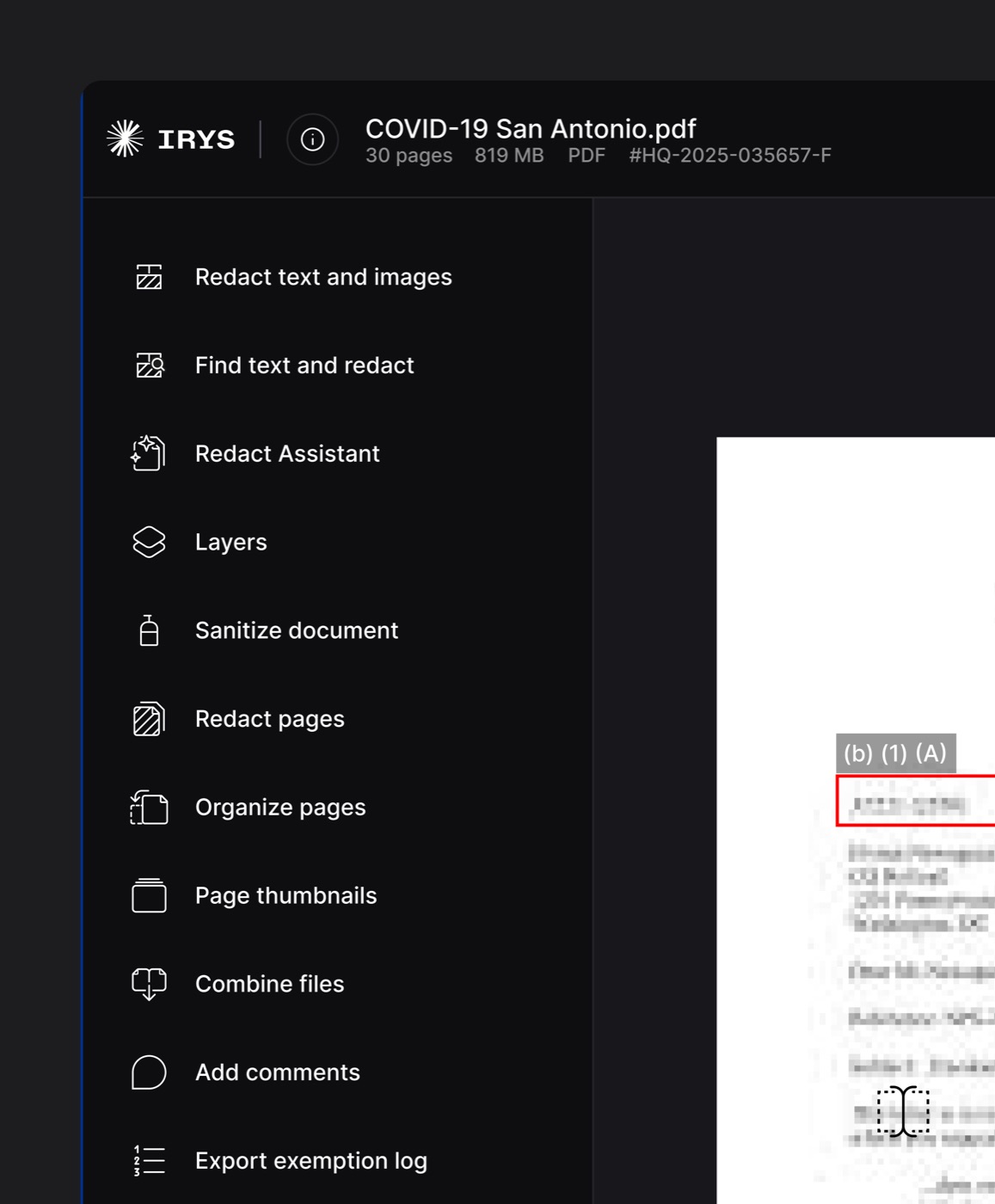
Redact Text & Images
Instantly redact names, images, and sensitive data.

Redact Pages
Easily apply redactions cleanly across pages.

Secure
Permanent, un-reversible redaction that guarantees data privacy.

Add Comments
Leave notes and internal feedback for your team directly on the file.

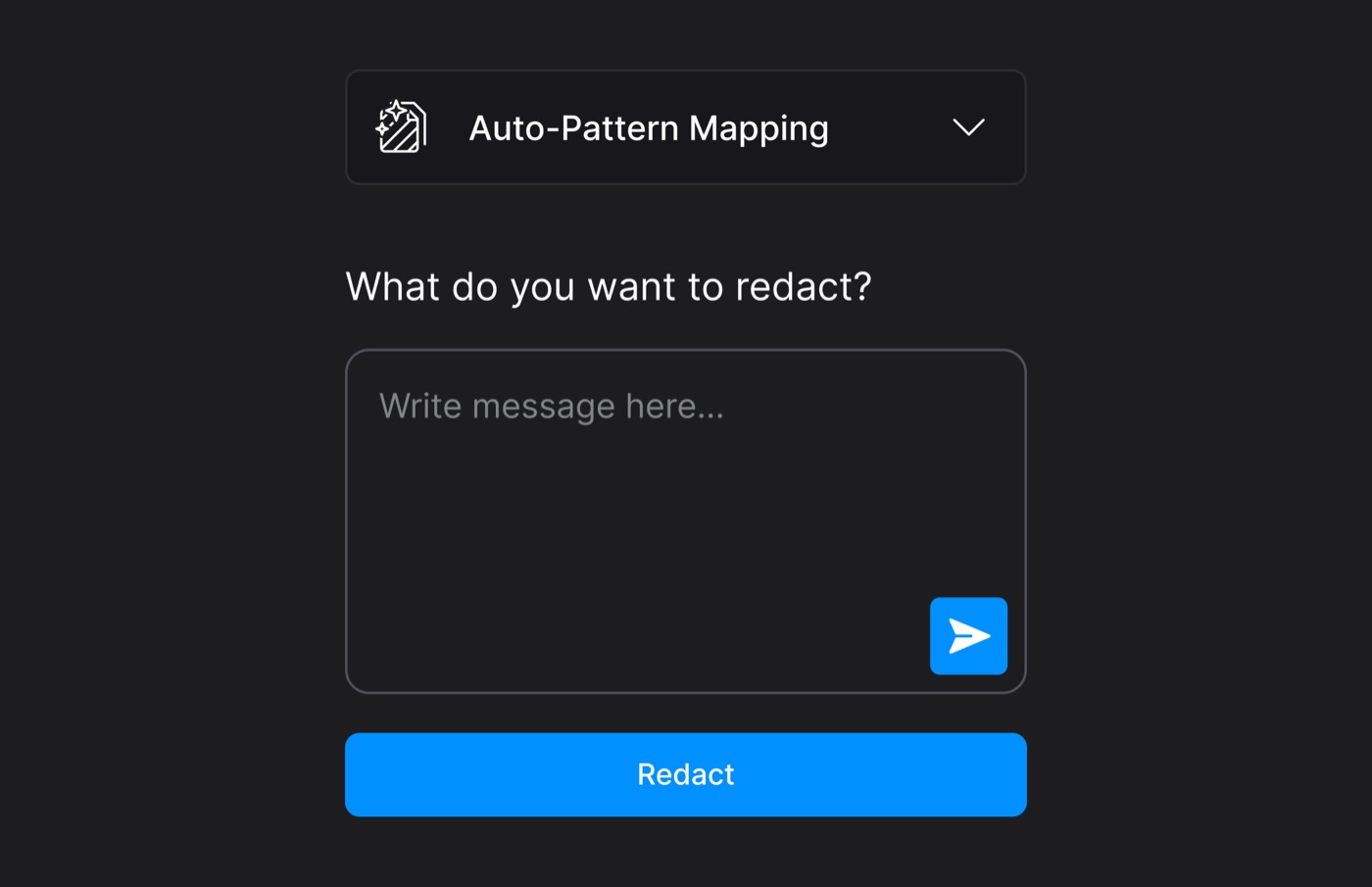
Redact Assistant
Describe what you want to redact or instantly redact specific patterns.

Sanitize Document
Strip hidden metadata, EXIF data, and revision histories.

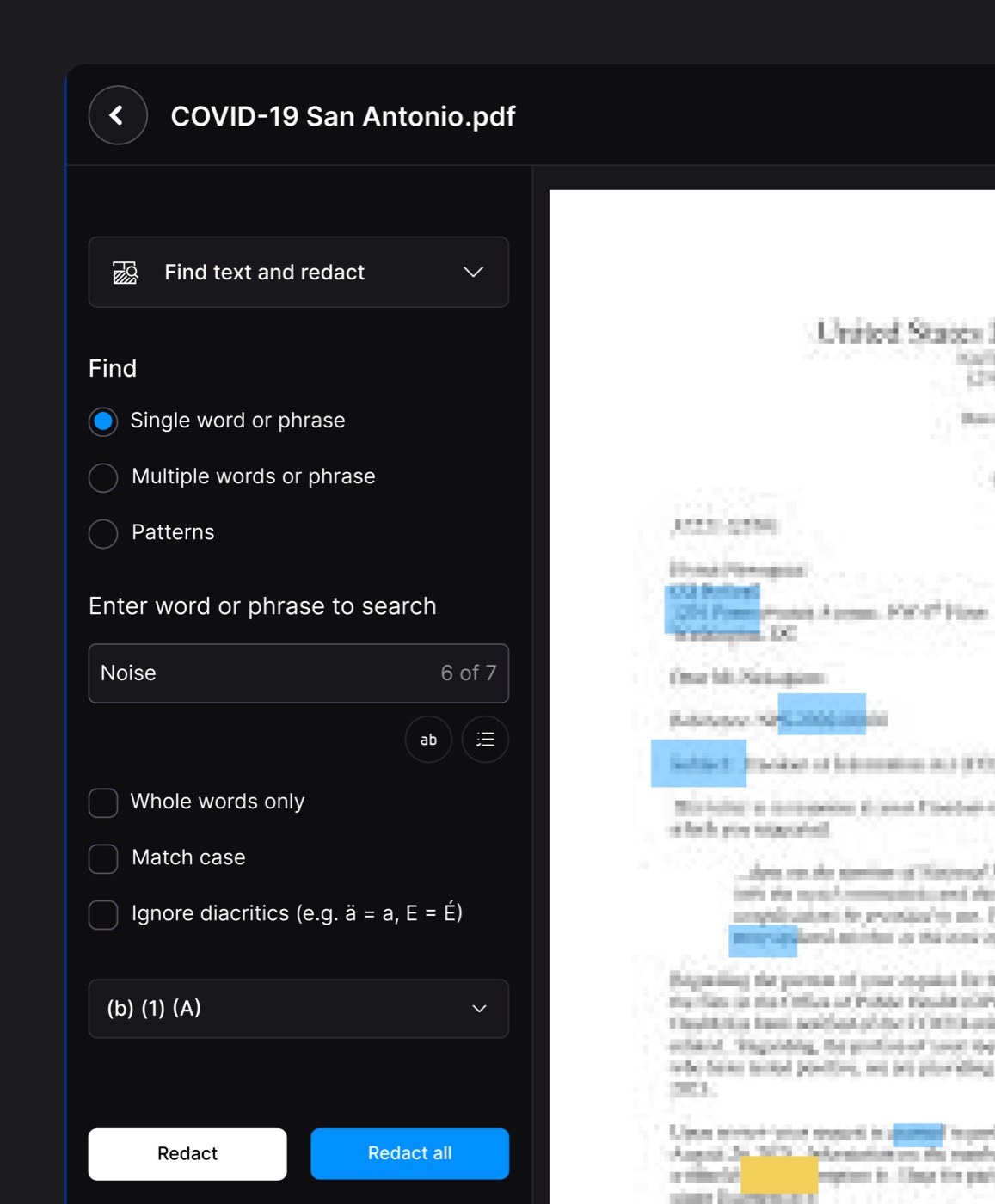
Search And Find
Search and redact every instance of a word or phrase in one click.

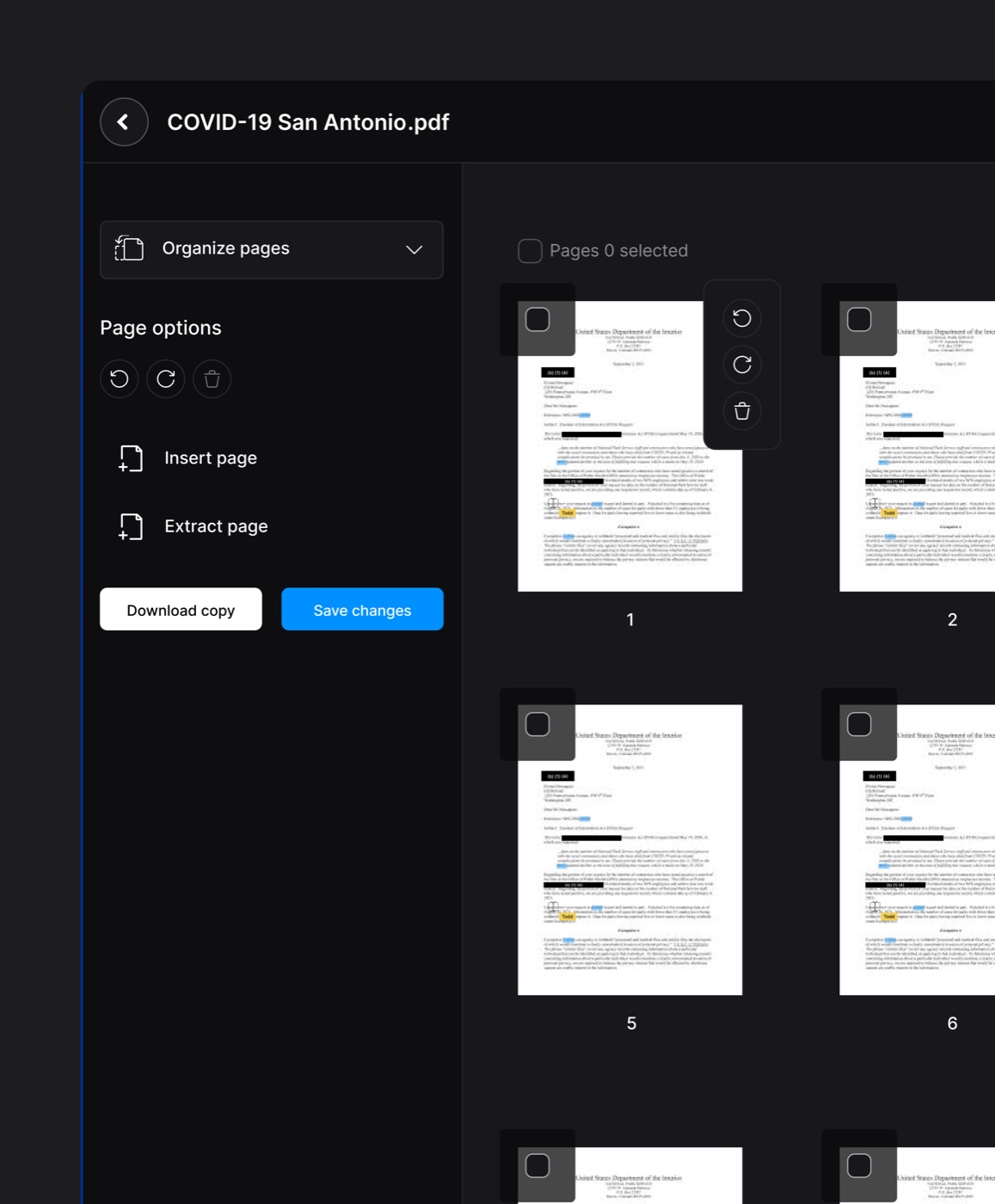
Organize & Combine
Merge, Rotate, reorder, or delete PDFs, images, or emails into one file.

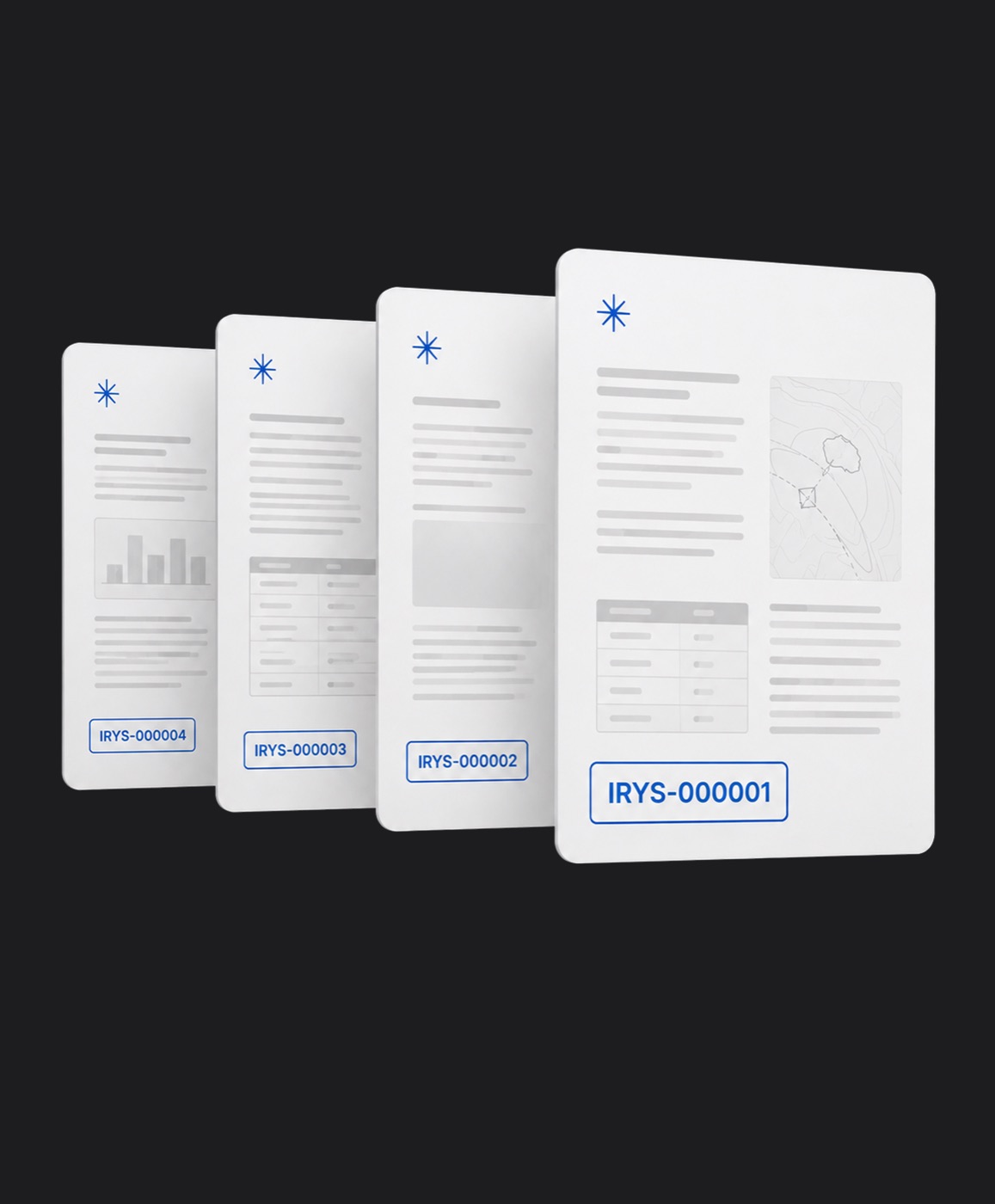
Exemption Log
Automatically generate FOIA and legal justification reports.
Why Agencies Choose Irys
Powerful AI redaction that saves time, reduces risk, and scales with your organization.
Redact Documents in Minutes, Not Hours
AI automatically identifies names, addresses, financial information, and other sensitive data, dramatically reducing manual work.
Reduce Compliance Risk
Consistently remove sensitive information to help meet privacy and regulatory requirements with confidence.
Secure Collaboration
Review, approve, and manage redactions across your team while maintaining a secure audit trail.
Scale Your Workflow
Process single files or thousands of documents with the same fast, consistent workflow.
Collaborative Redactions
Great minds think together.
Description
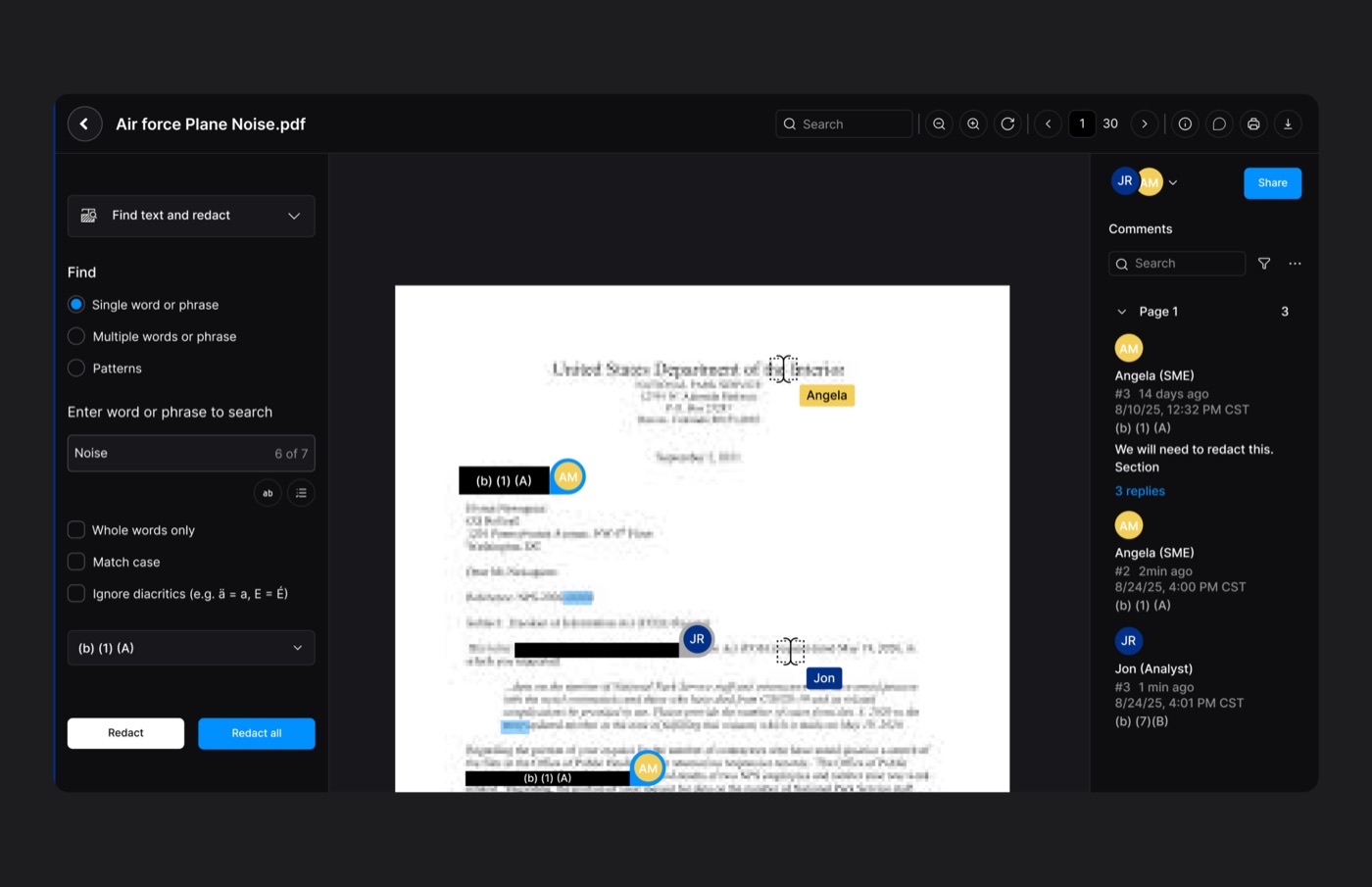
Automated Redactions
Less effort. More AI.
Stop wasting hours going line-by-line or frame-by-frame. Our intelligent AI scans your files instantly to flag, mask, and protect sensitive data automatically so you can focus on what matters.
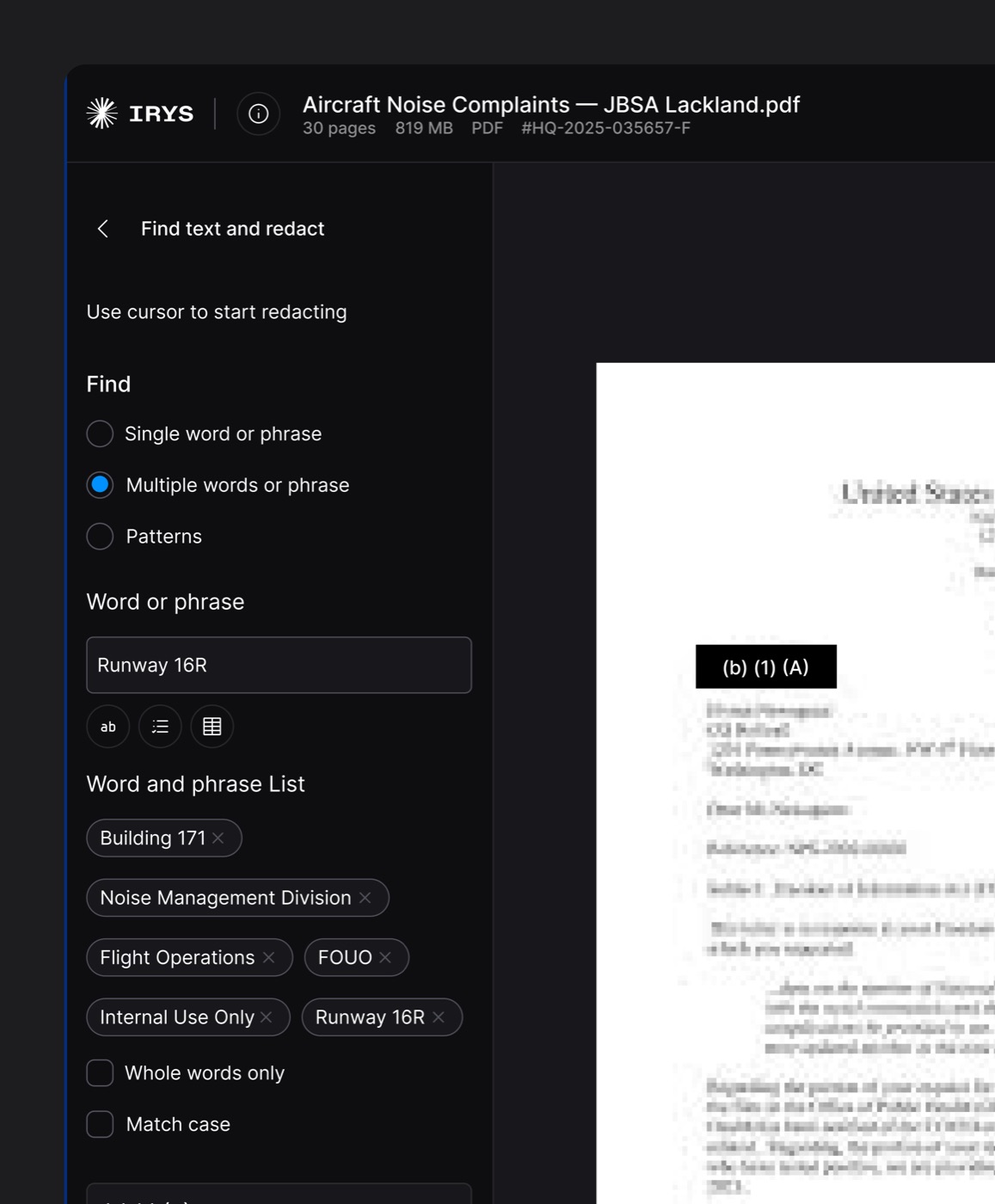
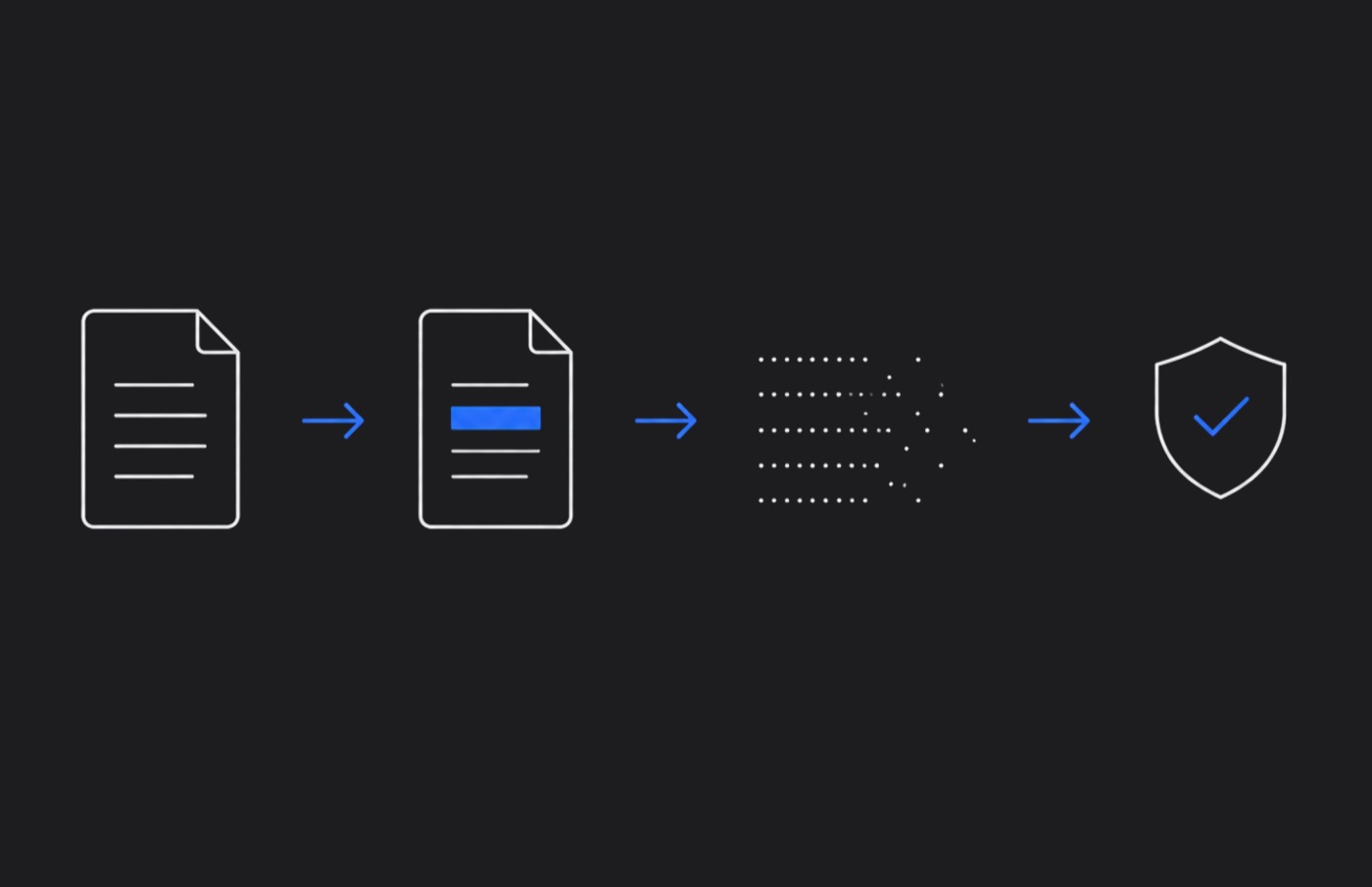
Document Redaction in 3 Easy Steps
Go from raw documents to secure, compliance-ready files in less than a minute. No complex training required
Add Document Files
Add PDFs, emails, word files, and scanned & handwritten documents to redact.
Choose PII to Auto-Redact
Automatically redact names, dates, phone numbers, and 30+ other categories of PII.
Get Your Results
Get fully redacted documents with meta-data permanently scrubbed.
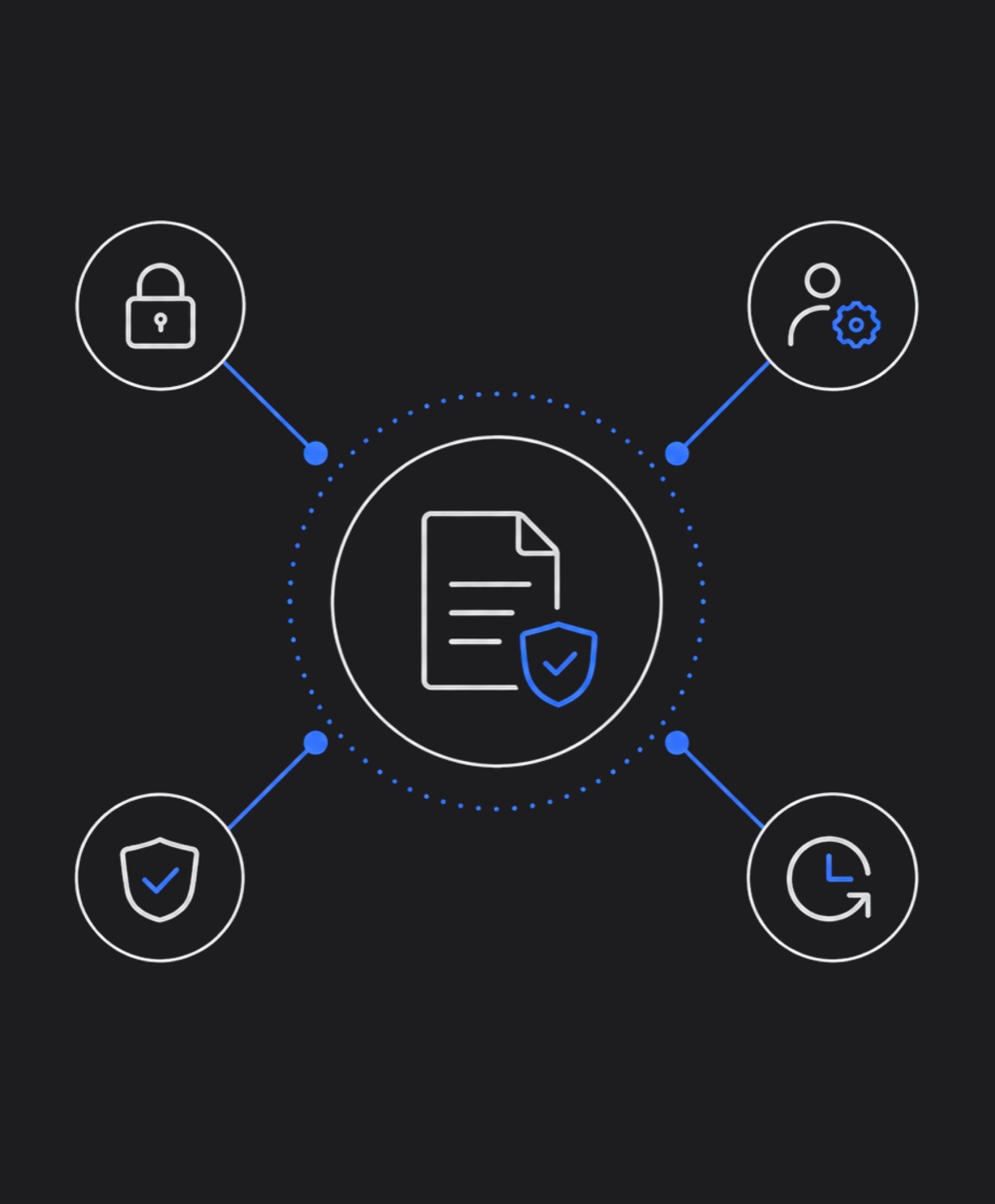
Ironclad accountability
Bulletproof compliance.
Meet stringent legal and regulatory standards without the administrative headache. Generate transparent, audit-ready logs that defend your redaction choices instantly.
Permanent data defense
What’s gone is gone.
Security isn't just a layer over your files, it’s a permanent transformation. We strip out hidden metadata and irreversibly burn redactions into the pixels so your private data stays permanently unrecoverable.
Customers + Partners
Trusted in IT & Cyber Expertise for 44 Years. We enable the DoD and all branches of service to maintain peak readiness and deliver mission results through proven technical expertise, operational support, and cybersecurity strength.

ARCADIS

City of San Antonio

State of Florida
State of New Jersey

Nantucket

United States Air Force

Copper River

Lockheed Martin

Booz Allen Hamilton

Abacus Technologies

Leidos

Northrop Grumman
ARCADIS
City of San Antonio
State of Florida
State of New Jersey
Nantucket
United States Air Force
Copper River
Lockheed Martin
Booz Allen Hamilton
Abacus Technologies
Leidos
Northrop Grumman

Questions? Answers.
What is document redaction?
What is document redaction?
Document redaction is the process of permanently removing sensitive or confidential information from a document before it is shared, published, or released. Common examples include blacking out Social Security numbers in legal filings, removing patient names from medical records, and masking account numbers in financial statements. Unlike simply placing a black box over text in a word processor — which can be copied and pasted to reveal the hidden content — true redaction permanently destroys the underlying data so it cannot be recovered.
What is the difference between redaction and deletion?
What is the difference between redaction and deletion?
Answer content pending — to be provided.
What types of information should be redacted from documents?
What types of information should be redacted from documents?
Answer content pending — to be provided.
How do I redact a PDF?
How do I redact a PDF?
Answer content pending — to be provided.
How do I redact sensitive information from emails and email attachments?
How do I redact sensitive information from emails and email attachments?
Answer content pending — to be provided.
Can I redact Word, Excel, and PowerPoint files, not just PDFs?
Can I redact Word, Excel, and PowerPoint files, not just PDFs?
Answer content pending — to be provided.
How much time does automated redaction save compared to manual redaction?
How much time does automated redaction save compared to manual redaction?
Answer content pending — to be provided.
Can redacted information be recovered or unredacted?
Can redacted information be recovered or unredacted?
Answer content pending — to be provided.
Is Irys Redaction Engine cloud-based or installed locally?
Is Irys Redaction Engine cloud-based or installed locally?
Answer content pending — to be provided.
What are the best practices for document redaction?
What are the best practices for document redaction?
Answer content pending — to be provided.

Book Your Personalized Demo
See how AI can reduce document redaction from hours to minutes.
In your personalized demo, we'll show you:
- Live AI-powered document redaction
- Team collaboration and approval workflows
- Compliance reporting and audit trails
- Deployment options for your organization